Building your own gaming PC is one of the most rewarding experiences for any gamer. Not only do you get full control over the hardware, but you can also tailor the machine to your specific needs, whether that’s ultra-smooth frame rates, breathtaking visuals, or future-proof performance.
In this guide, we’ll walk you through the essentials of creating a high-performance gaming rig, with special focus on components like the 4090 graphics card, choosing between a tower PC or full tower PC case, and balancing power with budget. Let’s begin.
Prebuilt PCs are convenient, but they often come with unnecessary bloatware, mismatched parts, or a price premium. Building your own gives you freedom. You decide where the money goes, whether it’s on the GPU, cooling system, or case design. You also get the satisfaction of knowing your rig inside and out, making upgrades and repairs much easier.
At the heart of any gaming PC is the graphics card. Right now, nothing screams performance louder than the 4090 graphics card. Known for its ray tracing capabilities, massive VRAM, and unparalleled rendering speed, it’s built for gamers who demand the best. Whether you’re aiming for 4K resolution with ultra settings or dabbling in VR, this card ensures smooth gameplay without compromise.
Of course, the 4090 doesn’t come cheap, and it demands a lot from the rest of your system. Pairing it with a weaker CPU or an underpowered PSU would be like putting a jet engine in a bicycle. Your GPU choice should guide your other hardware decisions.
A powerful GPU needs a capable CPU to match. For the 4090, consider high-end processors like Intel’s i9 series or AMD’s Ryzen 9. The goal is to avoid bottlenecking when the CPU can’t keep up with the GPU.
Once you pick a CPU, select a compatible motherboard. Look for one with PCIe 4.0 or PCIe 5.0 support to future-proof your build. Features like multiple M.2 slots for SSDs, high-speed RAM support, and solid VRM cooling will also keep your system performing at its peak.
For gaming at the highest level, 32GB of RAM is the sweet spot. While 16GB is still acceptable, the 4090 deserves to run in an environment free of limitations. Pair it with high-speed DDR5 memory for faster load times and smoother performance.
When it comes to storage, go with NVMe SSDs. These drives are significantly faster than SATA SSDs or HDDs, making everything from boot-up to in-game loading nearly instantaneous. A 1TB NVMe SSD for your OS and main games, plus a secondary 2TB drive for storage, is a balanced setup.
The 4090 graphics card is power-hungry, often requiring a PSU of at least 850W. To be safe, consider a gold-rated 1000W PSU, especially if you plan on overclocking or adding more hardware later.
Cooling is another critical factor. High-end components generate heat, and without proper airflow, performance suffers. This is where your case choice becomes important.
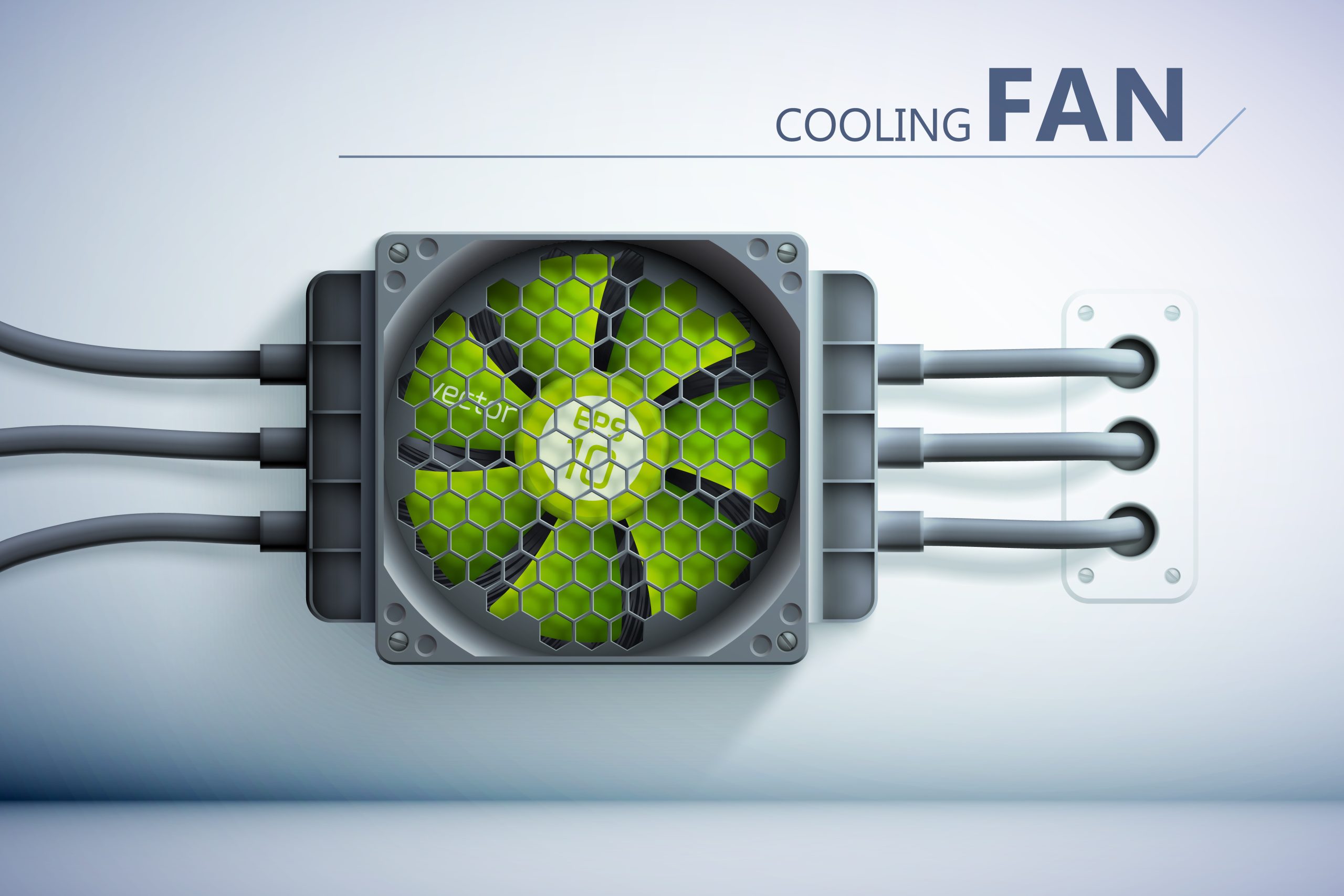
Choosing between a tower PC and a full tower PC case comes down to your needs.
Full tower cases also give you more flexibility for future upgrades. Considering the size of modern GPUs like the 4090, investing in a bigger case saves you the headache of cramped builds.
Your PC build doesn’t end with the case. Invest in a monitor that can handle the output of your 4090, such as a 4K or ultra-wide display with high refresh rates. A responsive mechanical keyboard and a precision gaming mouse also make a noticeable difference in gameplay.
Don’t overlook your operating system and drivers either. Keeping everything updated ensures you get the most out of your investment.
Building a gaming PC is about balancing performance, budget, and future-proofing. The 4090 graphics card sets the stage for unparalleled gaming, but it needs the right support system, including a powerful CPU, a reliable motherboard, an efficient PSU, and the right case. Whether you go for a tower PC or opt for a full tower PC case, the key is to build smart and build for your needs.
Ready to get started? At Cloud PC & Laptops, we offer everything from the latest GPUs and cases to complete builds. Whether you’re a first-time builder or a seasoned gamer, we’ve got the parts and expertise to bring your dream rig to life.
Shop with us today and start building your ultimate gaming PC!
Building your own gaming PC is one of the most rewarding experiences for any gamer. Not only do you get full control over the hardware, but you can also tailor the machine to your specific needs, whether that’s ultra-smooth frame rates, breathtaking visuals, or future-proof performance. In this guide, we’ll walk you through the essentials […]
The monitor on your desk often does more heavy lifting than any other piece of hardware. Whether you’re deep into a late-night gaming session or tackling spreadsheets during the workday, the screen you use directly shapes your experience. Choosing the right monitor is about matching your setup to your actual needs, so you get performance, […]
When it comes to buying a PC, or even the best gaming PC in the UK, you’ll often face a common decision: should you go for a brand-new model straight out of the box or pick up a used system that has been refurbished and tested? Both options have their appeal, and both come with […]